Learning Goals
Students will:
- Synthesize Key Understandings: Review the math unit to determine the most important ideas and relationships.
- Engage in Metacognition: Students reflect on what they understand well, what remains confusing, and what deserves emphasis.
- Develop AI Literacy: Iteratively refine prompts to guide NotebookLM toward producing a clear, accurate, and useful learning artifact.
- Create a Reusable Resource: Design a study tool that supports both students' own learning and the learning of their peers.
Materials
- Textbook, lesson notes, worked examples, and class resources
- NotebookLM account
Task + Deliverable
Each student creates a one-page infographic designed to help themself or a peer understand and review the lesson or unit.
Lesson Structure
[10 mins] Introduce the Purpose
Frame the activity as structured review for an upcoming assessment.
Ask students how they typically study for math tests. Highlight common patterns: rereading notes, practicing problems, reviewing mistakes. Then introduce a shift:
- Say: “This activity is dedicated to organizing your understanding and identifying the main takeaways.”
“When you try to teach something, you realize what you truly understand and what still feels unclear. That moment of noticing is where learning occurs.”
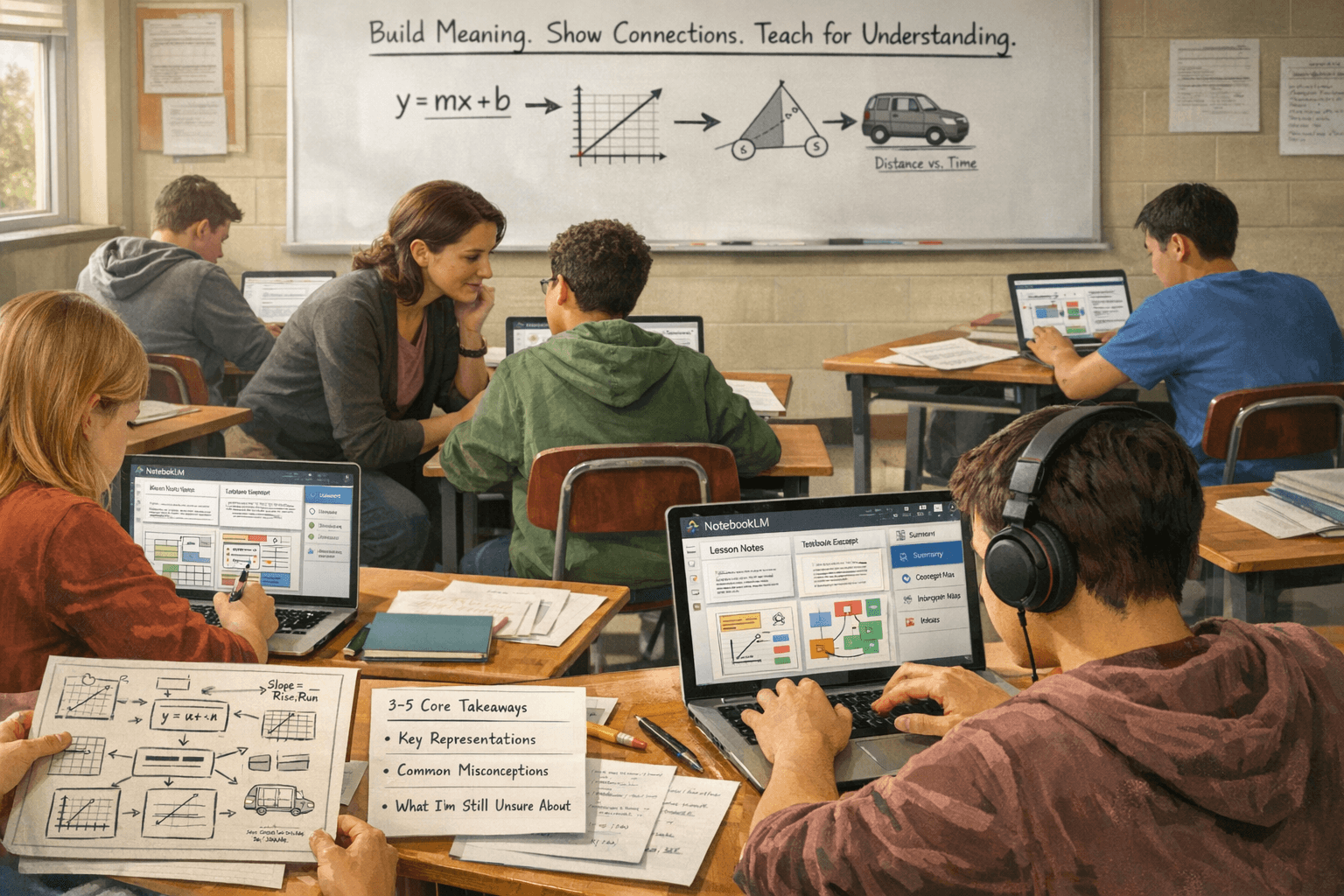
Demonstrate how to upload materials and create a customized infographic prompt inside NotebookLM.
Close with: “This is what mathematicians actually do. They don’t memorize steps; they build meaning, representations, and connections. That’s the work you’re doing today.”
[30–40 mins] Individual Synthesis + NotebookLM
Step 1 — Human-First Thinking (No AI Yet)
Students begin by reviewing the unit and identifying:
- The main mathematical ideas
- Key relationships between concepts
- Common misconceptions or concepts that are difficult to grasp
- Essential representations (equations, graphs, diagrams, contexts)
This anchors understanding before introducing AI.
Step 2 — NotebookLM as Learning Partner
Students upload or reference lesson materials and prompt NotebookLM to:
- Clarify relationships and distinctions
- Surface misconceptions or patterns across examples
- Organize ideas conceptually
- Suggest structures for an infographic
Step 3 — Iterative Refinement
Students iteratively refine their prompts and inputs until the infographic:
- Is mathematically accurate
- Emphasize meaning and conceptual connections
- Would genuinely help another student preparing for a test
[Optional 10 mins] Reflection and Share
Options:
- Gallery walk (virtual or in person)
- Pair-share: explain infographic concepts to a partner
Discussion prompts:
- “What did you realize you didn’t fully understand until you tried to explain it?”
- “What were your main takeaways from the unit?”